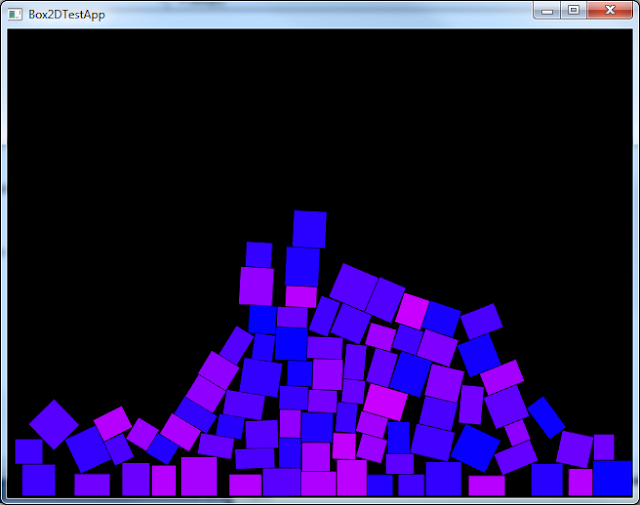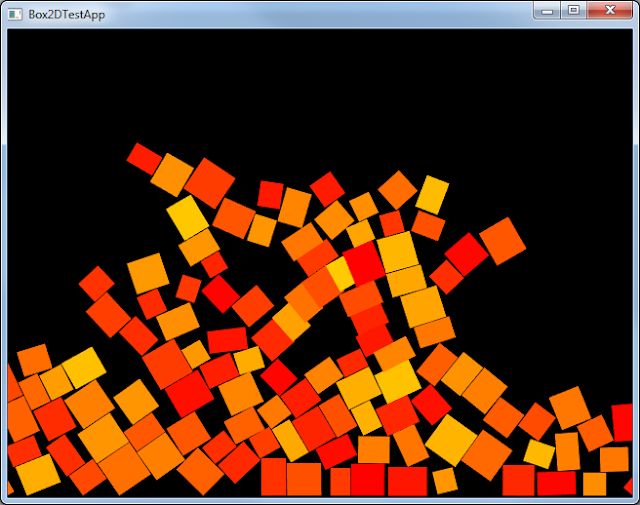
Box2D is a popular 2D physics engine for C++. It’s free and open source and pretty easy to integrate with Cinder. I recently tried out another engine called MSAPhysics and wrote a tutorial on setting it up with Cinder. It’s a great little library, super easy to get up and running, and can even do a good job of 3D physics, however it lacks some advanced features and there’s very little community contributed code behind it. So I thought I’d try out an alternative and see how they compare. My friends at OneDayItWillMake and Wu-Media had spoken highly of Box2D and have used it in iOS games and with Cinder in Eclipse on OSX. In this post, I attempt to integrate it with Cinder in VisualStudio 2010 on Windows 7.
Using b2cinder
First, I tried out a sorta Cinder block in progress called b2cinder by David Wicks (aka sansumbrella). His sample project already takes care of some of the code needed to convert Box2D objects to Cinder objects and vice versa. No coding needed for this part…
1. Download this repo https://github.com/sansumbrella/sc-Box2D 2. Place sc-Box2D in cinder/blocks folder 3. Open BasicBox2D sample app in vc10 folder 4. Make sure these properties have correct paths: C/C++ –> General –> Additional Include Directories Linker –> General –> Additional Library Directories 5. Had to add “using namespace ci;” to the following code files: Sandbox.cpp BoxElement.cpp BoundaryElement.cpp 6. In Solution right-click Header Files and Add Existing… Add all files and sub-directories within sc-Box2D/include/b2Cinder and sc-Box2D/include/Box2D. Now you should be able to run the app and this is what it looks like.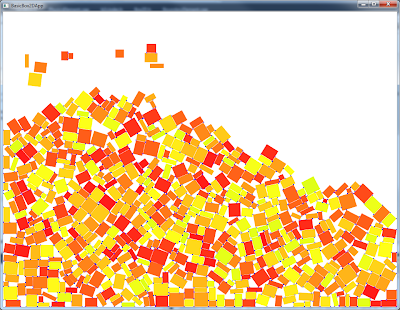 Integrating Box2D From Scratch
Next I wanted to try out the latest and greatest version of Box2D, since sansumbrella’s version was slightly older.
1. Create BasicApp in TinderBox called Box2DTest
2. Download Box2D from http://code.google.com/p/box2d/
3. Open vc10 .sln file and build Box2D project.
4. Copy Box2D.lib file created into new folder in Box2DTest called “lib”
Integrating Box2D From Scratch
Next I wanted to try out the latest and greatest version of Box2D, since sansumbrella’s version was slightly older.
1. Create BasicApp in TinderBox called Box2DTest
2. Download Box2D from http://code.google.com/p/box2d/
3. Open vc10 .sln file and build Box2D project.
4. Copy Box2D.lib file created into new folder in Box2DTest called “lib”
5. In Linker –> General –> Additional Library Directories
add path to “lib” folder you just created In C/C++ –> General –> Additional Include Directories add path to Box2D_v2.2.1 Note: be sure to add these to both Debug and Release run configs6. Add this to top of code file: #include <Box2D/Box2d.h> 7. Under “Header Files”, add all .h and .cpp files to Solution. 8. Create a Box2D World with gravity. b2Vec2 gravity(0.0f, 10.0f); b2World world(gravity); 9. Add the file Conversions.h from b2cinder lib which does pretty good job of converting between box2d and cinder floats, vec2f, and more. 10. Code Here is the source code on GitHub for a quick example I created using these steps: http://github.com/asaeed/Box2DTest Another screenshot: